


A single time-lapse project can generate 50,000 photos. If you don't plan your storage correctly, you risk running out of space halfway through a 6-month construction project—or worse, losing data to a corrupted SD card.
This guide will help you calculate exactly how many Gigabytes (or Terabytes) you need and why Cloud Storage is the only safe bet for long-term monitoring.
1. The Math: How Big is a Time-Lapse?
Storage needs depend on two things: Resolution and Format.
| Resolution | File Type | Size Per Photo | 1 Month (10 min interval) | 1 Year (10 min interval) |
|---|---|---|---|---|
| 1080p (2MP) | JPEG | ~1 MB | 4.3 GB | 52 GB |
| 4K (8MP) | JPEG | ~4 MB | 17 GB | 200 GB |
| 6K/8K (24MP) | JPEG (High Quality) | ~12 MB | 50 GB | 600 GB |
| Professional | RAW (Uncompressed) | ~40 MB | 170 GB | 2 TB |
Note: Calculations assume shooting 12 hours/day. If shooting 24/7, double these numbers.
2. The Danger of Relying on SD Cards
For a 1-year project, you might think: "I'll just buy a 512GB SD card." This is risky.
Card Failure: SD cards are not designed for constant writing. Standard cards can burn out after a few months of intense time-lapse use.
Theft/Damage: If the camera is stolen or a storm destroys it, your data is gone forever.
Overwrite Risk: Once the card is full, most cameras stop recording or overwrite the oldest files.
✅ The Solution: Farpov Cloud Storage
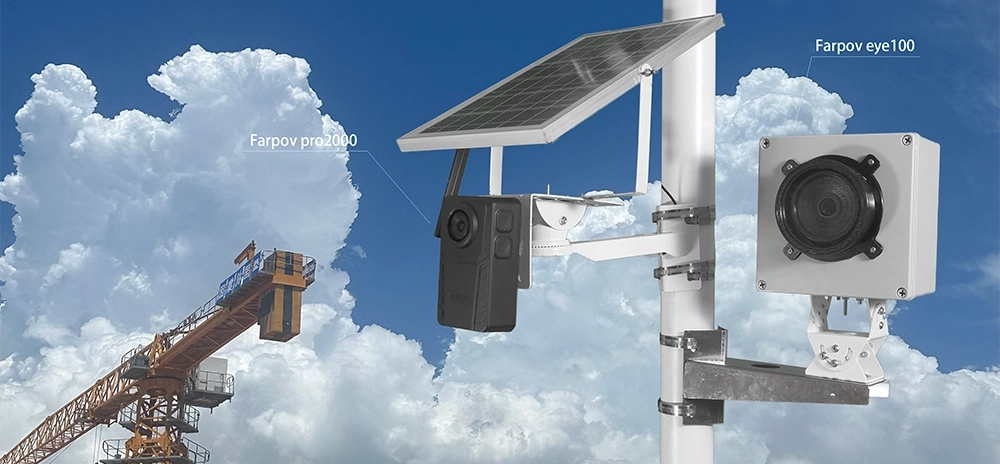
The Farpov Pro system uploads every photo to a secure cloud server instantly via 4G LTE.
Even if you only have a 32GB card in the camera, it doesn't matter. The card acts as a temporary buffer. Your "real" storage is infinite in the cloud.
3. Choosing the Right SD Card (Local Backup)
Even with cloud storage, you need a good SD card as a backup (in case the internet cuts out). Do not buy cheap cards.
Look for "High Endurance"
Security cameras and time-lapse cameras write data continuously. You need a card labeled "High Endurance" or "Industrial Grade" (e.g., SanDisk High Endurance, Samsung PRO Endurance).
Recommended Capacity
For JPEG Projects: 128 GB is sufficient.
For RAW Projects: 512 GB is recommended.

View, download, and manage your storage remotely with the Farpov Dashboard.
4. Managing Data After the Shoot
Once your project is done, you will have thousands of files. Here is a typical workflow:
Backup: Copy all files from the SD card (or download from Cloud) to two separate hard drives (HDD).
Filter: Use software like Lightroom or LRTimelapse to remove "bad frames" (raindrops on lens, birds blocking view).
Render: Export the final video. Note that a 4K ProRes video file can be 10-50 GB itself!
Conclusion
Don't let storage be an afterthought.
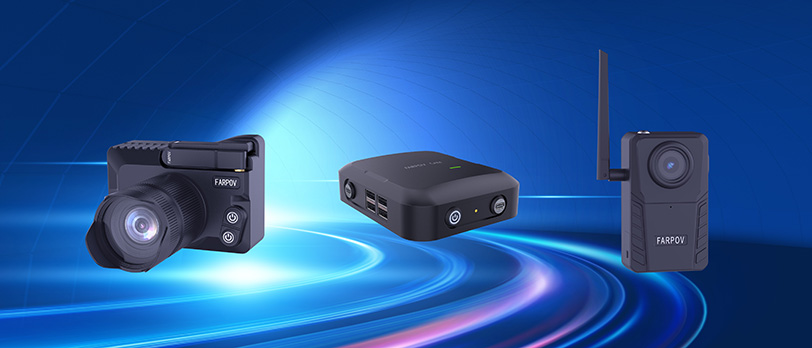
For professional peace of mind, use a Farpov Camera with Cloud Upload. It renders the question "How big is my SD card?" irrelevant, ensuring your client's project is safe no matter what happens on site.







 WeChat
 WhatsAPP